This feature is only available for subscribers. Subscriptions start from as little as 9.99.
Note: Currency and terminology may differ depending on your region.
For those business owners who run multiple stores it's important to know what is happening in all stores at real time.
FramR lets you keep an eye on all your stores in an instant.
When you first setup FramR you are asked to create a cloud account with a user name and password. Click the link to say you are creating a new account.

To access the same cloud databse from another device, simply login using exactly the same username and password. This time click Login.
All devices connected to the same account will automatically sync their data.
Your devices sync whether they are in the same store, different stores, at home or across the world.
You may wish to keep the accounts for your stores separate. In this case install FramR using a different FramR account for each store.
You can login to remote stores from your main store. FramR installs on Windows per user.
This means you can login to Windows using a different user account for each store and install FramR using the FramR account for each store.
And here's the truly wonderful part
You can still work even if your internet has gone down! As soon as your internet comes back your devices will automatically sync.
You never have to worry about the app going slow or it stopping when you are half way through creating an order for the customer.
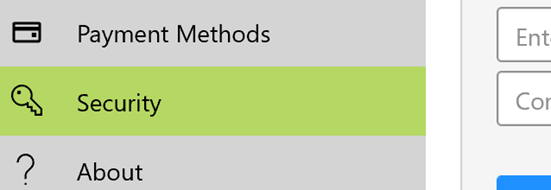
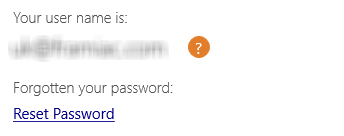
If you have forgotten your cloud user name when logging in with a device, you can go to Settings/ Security on one of the other devices to see what it is. From here you can also reset your password.